Crossfire
Ecoin PhilippinesHOW TO TOP UP CROSSFIRE ECOIN ON NEXONE.PH
1. Select the CrossFire E-Coin amount on Nexone PH.
2. Complete the payment using available Philippine payment methods.
3. Your Gameclub Code and Password from Nexone PH will appear in your Transaction History and will also be sent to your email.
HOW TO REDEEM CROSSFIRE ECOIN
1. Go to the official CrossFire PH website: https://cfph.onstove.com/
2. Log in and select the Top-Up tab.
3. Enter the Gameclub Code and Password provided by Nexone PH to complete the transaction.
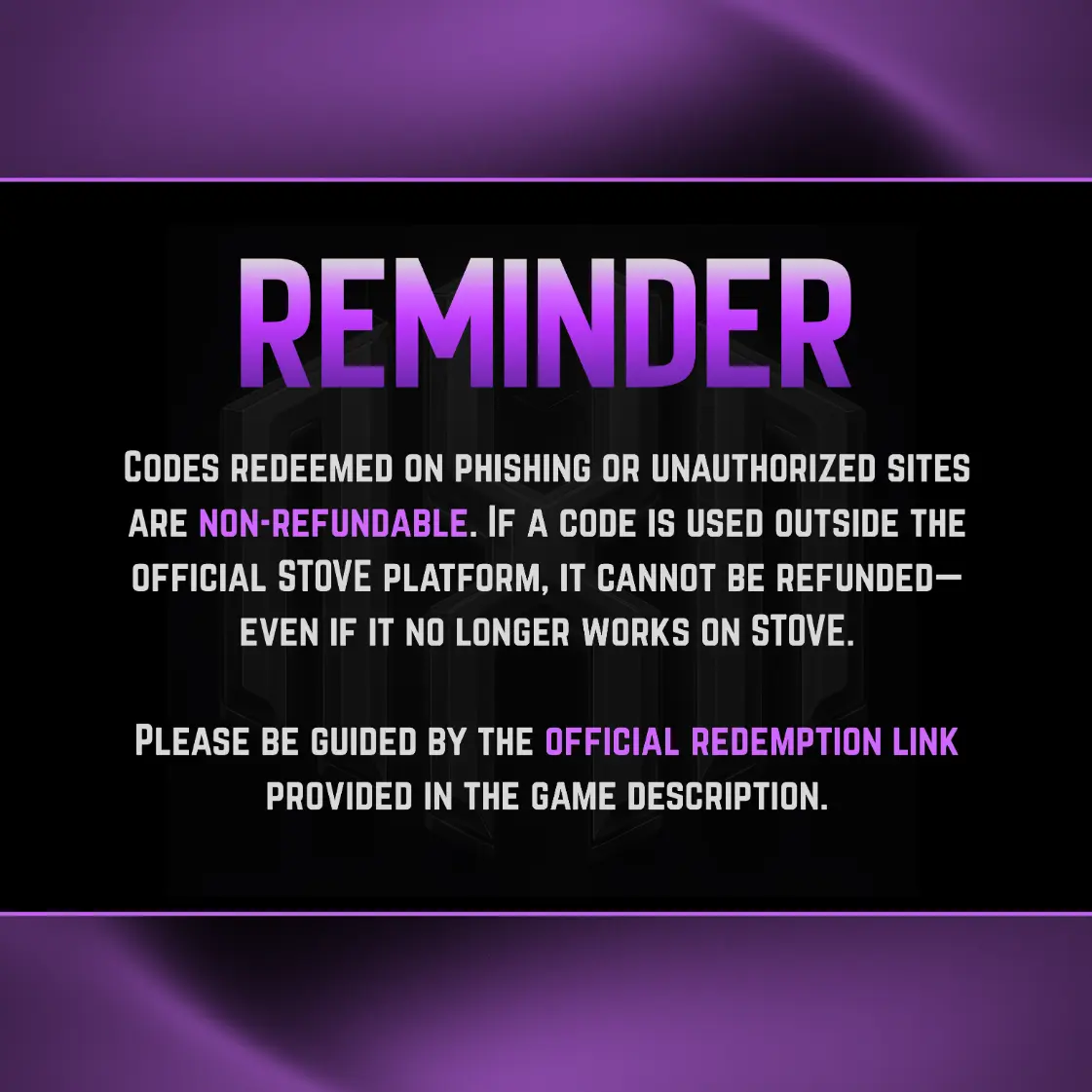
⚠️ REMINDER:
The Gameclub Code and Password issued by Nexone PH can be found in your Transaction History and in the email used during purchase. Do not share these details with anyone.
Select Item
Gameclub eCoin (PH)
Review
5.0
from 30,759 reviews
Account Details
Voucher Code
Enter Voucher Code
Payment Method
Order Quantity
Qty
Order Confirmation
Transaction Receipt (Required)
Required: You must enter email to receive a transaction receipt
Frequently Asked Questions
After completing your order on Nexone PH, your Gameclub Code and Password will be available in your Transaction History and will also be sent to the email you used during checkout. Delivery is automatic after payment confirmation.
Yes. All CrossFire E-Coin sold on Nexone PH is for the PH server and can be redeemed on the official CrossFire Philippines website via the Gameclub top-up system.
Double-check that the Gameclub Code and Password were entered correctly and that you selected the correct server. If the issue persists, contact Nexone PH customer support with your order ID so we can assist you immediately.

Top Up Crossfire eCoin for Philippine Players
Crossfire players in the Philippines can top up eCoin online through Nexone.ph as an alternative to in-game purchases. Crossfire eCoin is used to obtain in-game items and features available within Crossfire.
To place an order, enter the required account details, select an eCoin package, and proceed to checkout. Nexone.ph supports Philippine payment methods such as GCash, Maya, QRPH, and selected bank options. This Crossfire eCoin top up page is intended for Philippine users, with the payment process aligned for local transactions.