Crossfire Legends
PhilippinesHOW TO TOP UP CROSSFIRE LEGENDS ON NEXONE.PH
1. Select your preferred Crossfire Legends CrossfireCoin package on Nexone.ph.
2. Enter your correct Crossfire Legends account details as required.
3. Review your information carefully before proceeding.
4. Complete the payment using the available payment methods.
5. Wait for the CrossfireCoin to be processed and reflected in your Crossfire Legends account.
⚠️ REMINDER:
Processing time may vary depending on the provider and system traffic. Please make sure all account details are entered correctly, as successful transactions are non-reversible.
Select Item
Review
5.0
from 781 reviews
Account Details
Voucher Code
Enter Voucher Code
Payment Method
Order Confirmation
Transaction Receipt (Required)
Required: You must enter email to receive a transaction receipt
Frequently Asked Questions
Processing time may vary depending on system traffic. Some transactions are completed quickly, while others may take a few minutes.
You need to enter your correct Crossfire Legends account details. Please double-check before confirming payment, as transactions are non-reversible.
Yes. Nexone.ph provides a secure and reliable Crossfire Legends top-up service in the Philippines.

Buy Crossfire Legends Coins Instantly in the Philippines
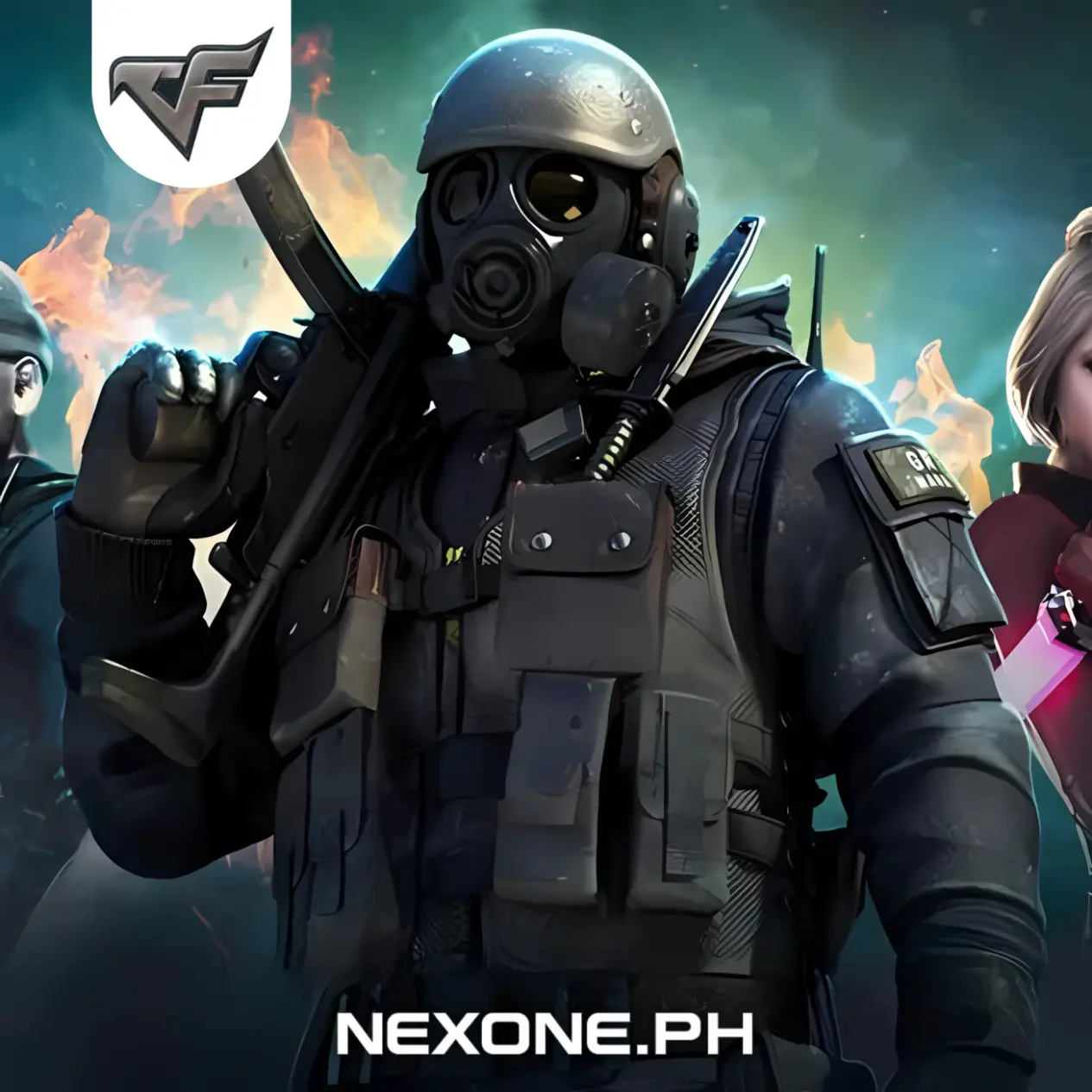
Crossfire Legends players in the Philippines can purchase Crossfire Legends Coins online through Nexone.ph as a convenient option for in-game top-ups. Crossfire Coins are used to purchase weapons, character items, and other in-game content available in Crossfire Legends.
To place an order, select a Crossfire Legends Coin package and proceed to checkout. Nexone.ph supports Philippine payment methods such as GCash, Maya, QRPH, and selected bank options. This Crossfire Legends Coins page is intended for Philippine users, with payment flow and supported methods aligned for local transactions.